
English
English
Appearance
SmartTable is designed for team work. Whether your team is in the same room or distributed, you can share data, manage permissions, and edit together in real time.
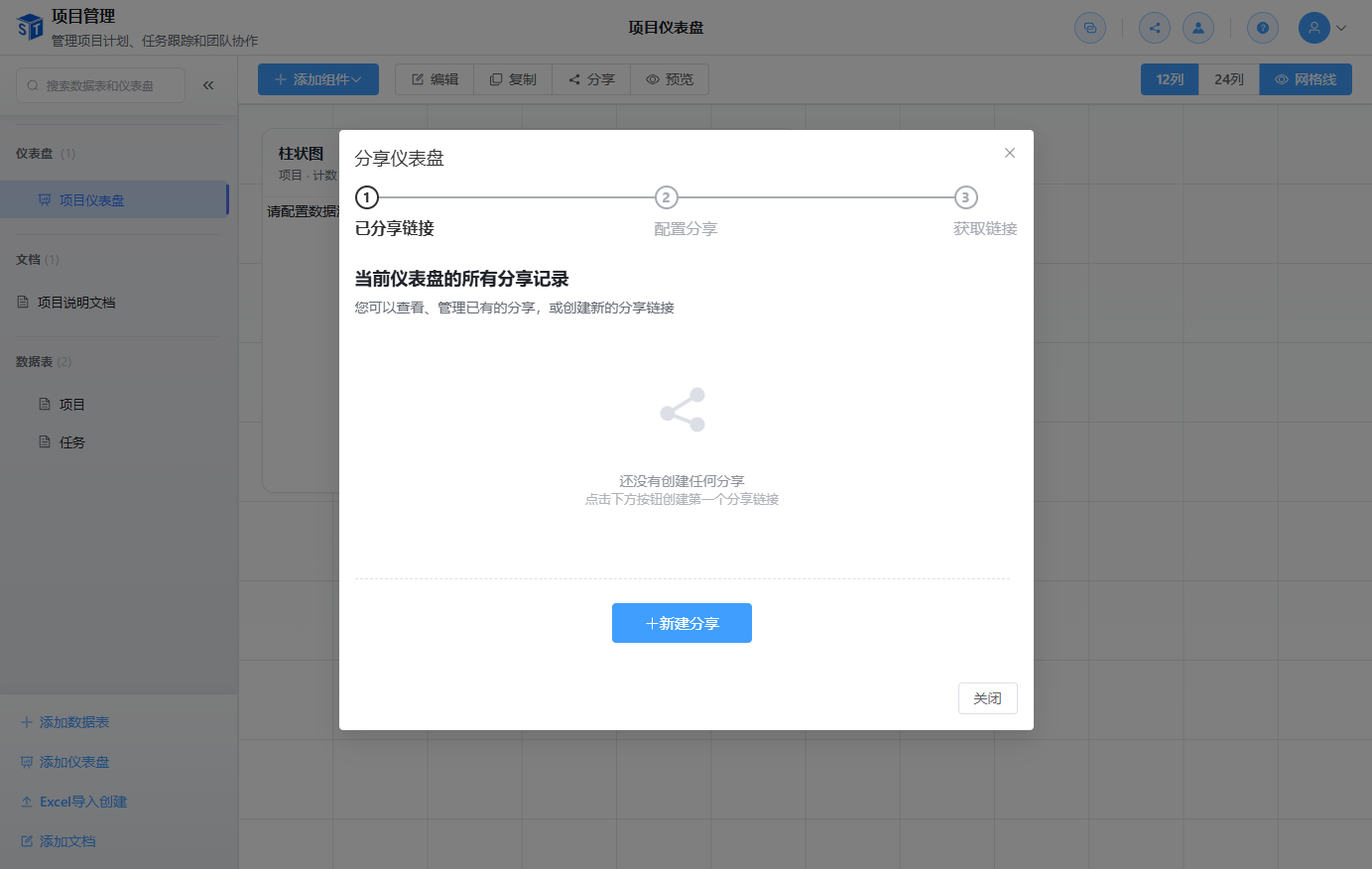
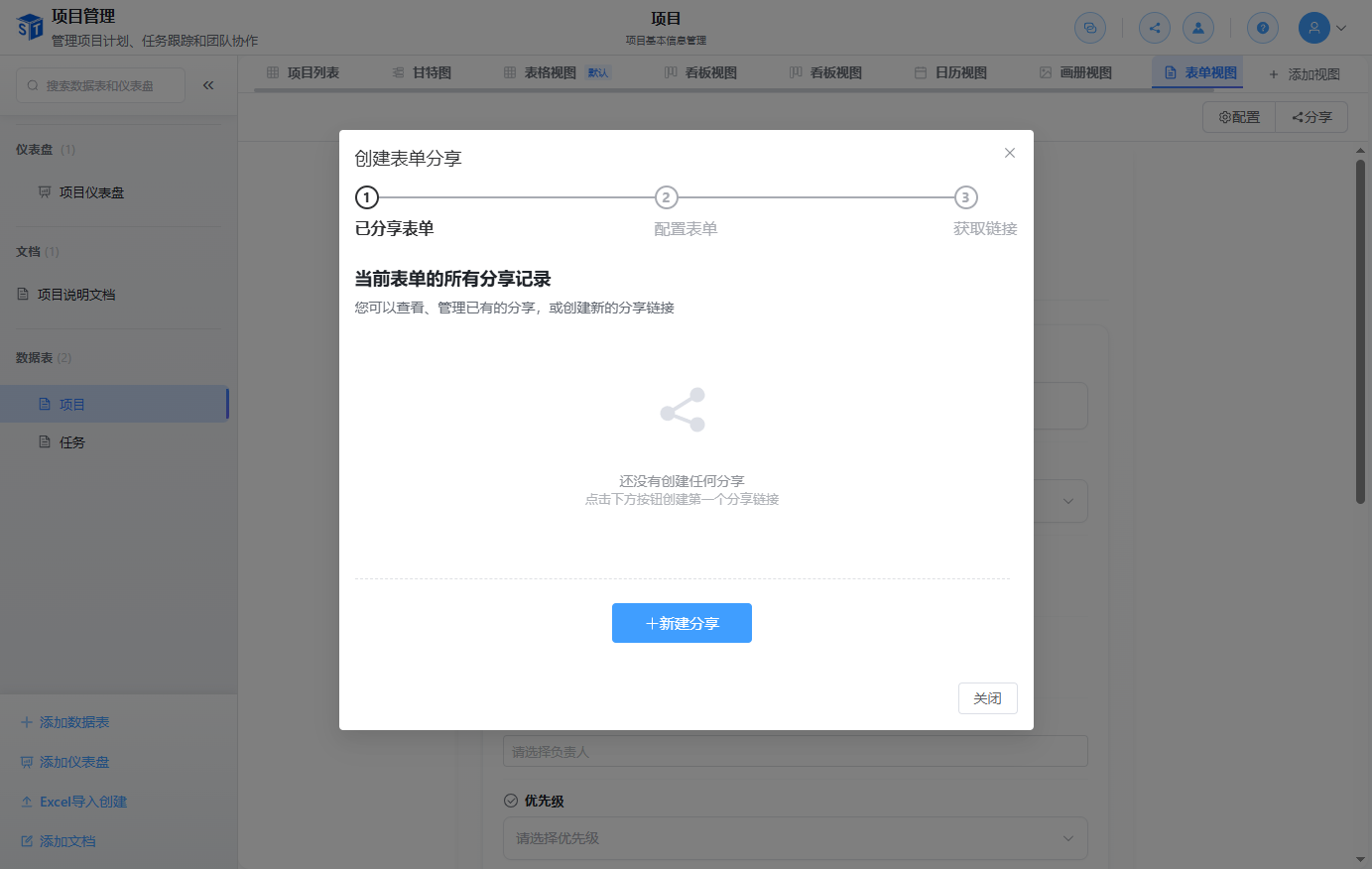
You can share SmartTable data at several levels:
| Sharing Level | What It Does |
|---|---|
| Base Sharing | Share the whole base via a link with permission control |
| Form Sharing | Share a form view publicly to collect submissions |
| Dashboard Sharing | Share a dashboard publicly for real-time data display |
Each base has its own member list. You can invite users by email or username and assign one of the following roles:
| Role | Permissions |
|---|---|
| Owner | Full control, including deletion |
| Admin | Management permissions except deletion |
| Editor | Can add, edit, and delete records |
| Commenter | Can view and add comments |
| Viewer | Read-only access |
When real-time collaboration is enabled, multiple users can edit the same table at the same time:
Enabling Real-time
Real-time collaboration is optional and is enabled on the backend with ENABLE_REALTIME=true or --enable-realtime. See Docker Deployment for configuration details.
You can discuss records directly inside SmartTable:
@username to mention a team member.Configure notifications to stay informed about:
SmartTable includes collaboration-supporting infrastructure: