
English
English
Appearance
Calendar view displays time-based records on a familiar calendar layout. It is perfect for schedules, deadlines, and events.
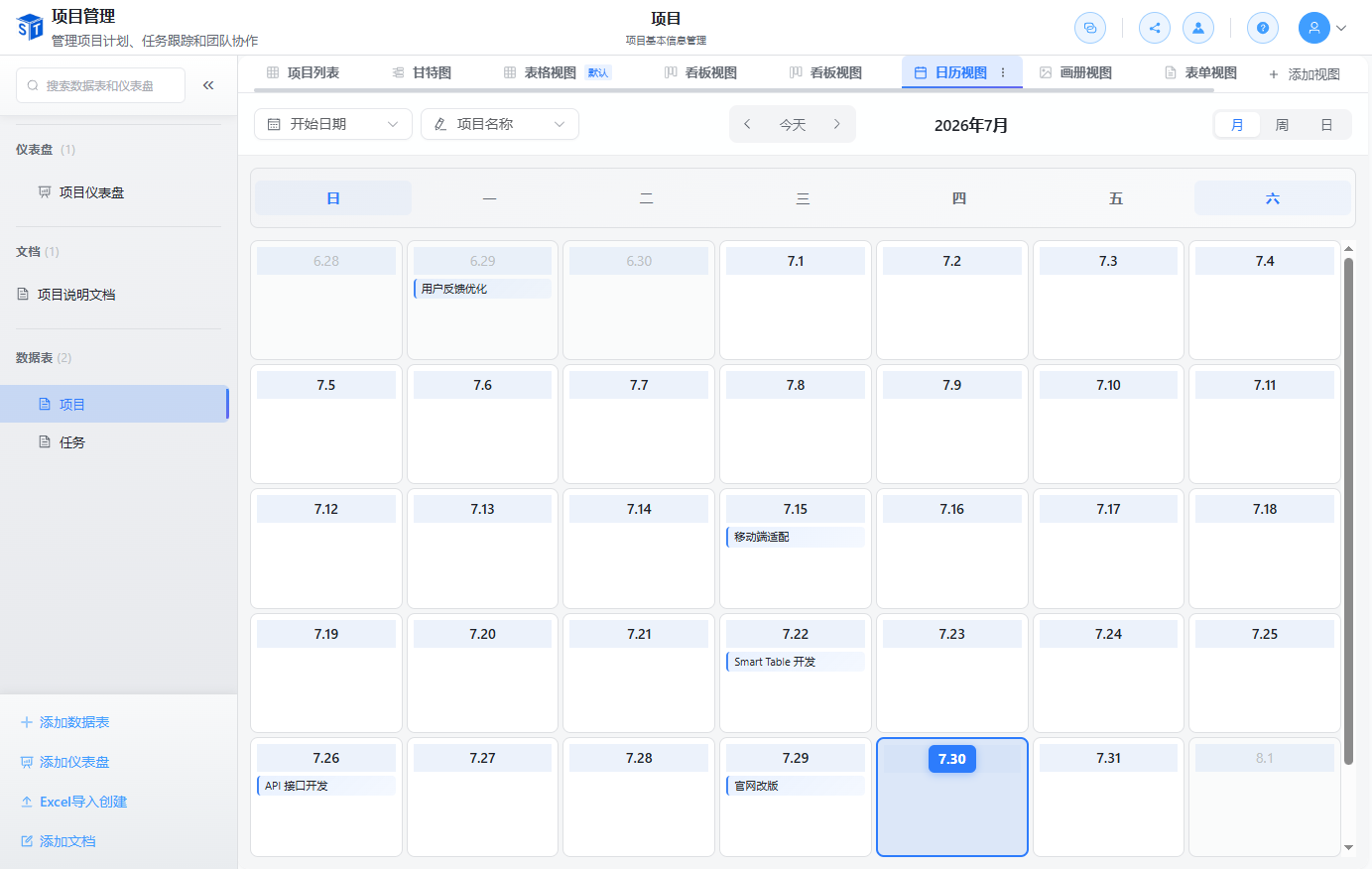
| Action | How To |
|---|---|
| Create record | Click a date cell to add a new record |
| Edit record | Click an event to open its details |
| Reschedule | Drag the event to another date or time range |
| Time range | Use Date Time fields to show events with start and end times |
Date Field Selection
When creating a calendar view, choose the date field that represents the event date. You can create multiple calendar views using different date fields.