
English
English
Appearance
SmartTable's workflow automation engine lets you build no-code automations that react to events in your data. Introduced in v1.6.0, it can save time on repetitive tasks and keep your team in sync.
A workflow has two parts:
Workflows are bound to a base or a specific table. You can pause, resume, edit, and version them at any time.
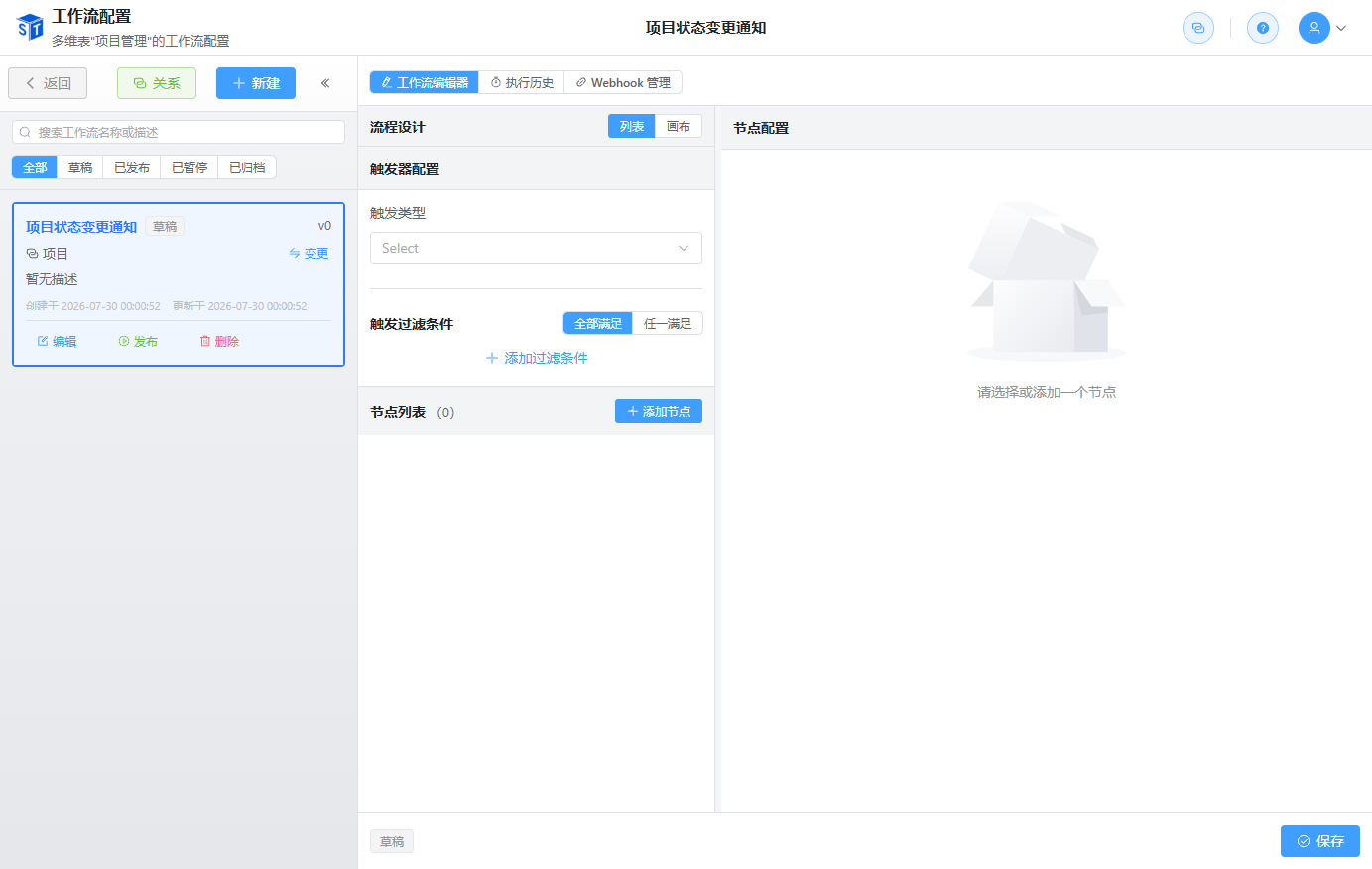
| Trigger | When It Fires |
|---|---|
| Specified Time | One-time or recurring (daily/weekly/monthly/yearly/custom); supports deadline configuration |
| Record Created | When a new record is created; supports filter conditions |
| Record Updated | When a record is modified; can listen to specific fields and apply filters |
| Node | What It Does |
|---|---|
| Create Record | Creates a record in a target table with static values or reference expressions |
| Update Record | Updates fields on the source record with static values or expressions |
| Webhook Node | Calls an external HTTP endpoint using an existing config or inline config |
| Send Email Node | Sends email to specified addresses with custom content or preset templates |
| Internal Message Node | Sends in-app messages to specified people with multiple recipient sources; no email service required |
| Condition Node | Branches the workflow based on AND/OR condition combinations |
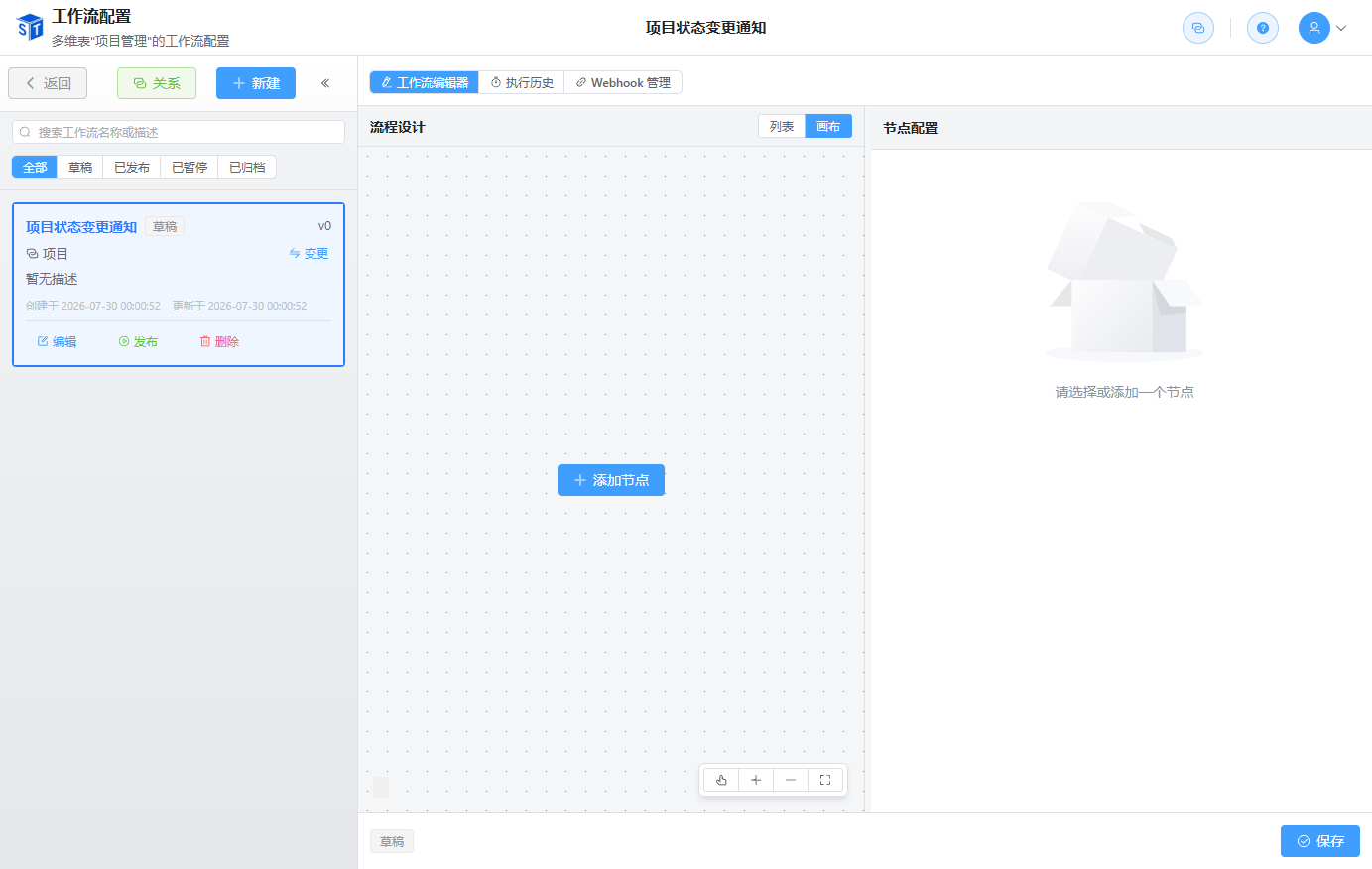
In the workflow designer you can drag nodes to change their execution order, giving you flexible control over the business process.
Reference Expressions
Use reference expressions to pull values from the trigger record or related records. For example, map the trigger record's assignee into a newly created task.
Workflows support version snapshots:
Workflows can call external services via webhooks:
Track every workflow run: