
English
English
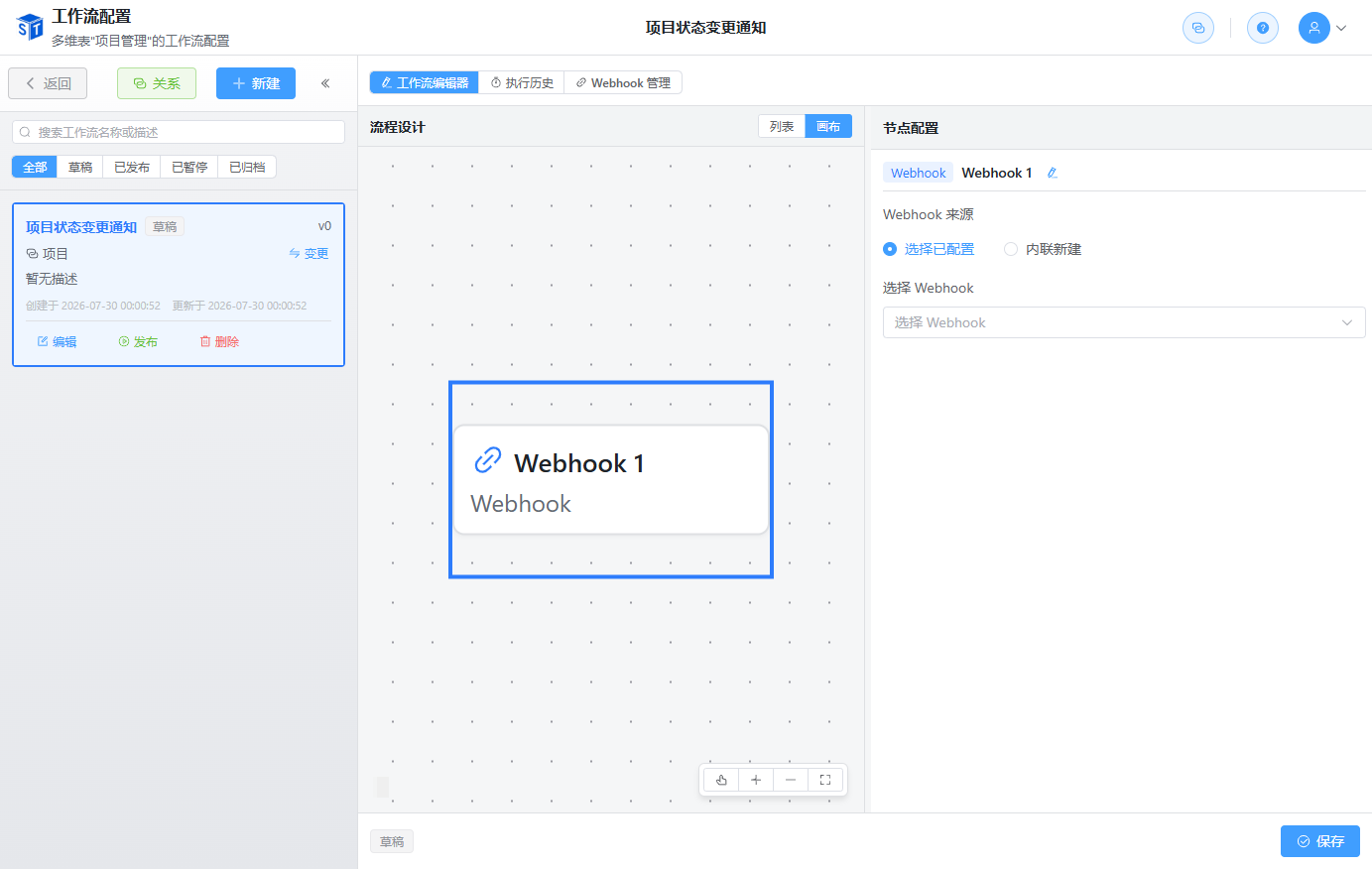
Appearance
The Webhook node is used to call external HTTP interfaces during workflow execution, enabling data exchange with third-party systems. For example, sending notifications, syncing data, or calling external services.
The Webhook node supports two configuration methods:
| Method | Description |
|---|---|
| Existing Webhook | Use a configuration already saved in the system Webhook management |
| Inline Configuration | Configure Webhook parameters directly in the current node; only effective for the current workflow |
Note
Inline Webhook configurations are only used in the current workflow and are not saved to the global Webhook configuration list. Suitable for one-time or temporary call scenarios.
Configure HTTP request headers, for example:
| Header | Example Value |
|---|---|
| Content-Type | application/json |
| Authorization | Bearer {{token}} |
| X-API-Key | your-api-key |
POST/PUT requests can configure a request body, supporting JSON and variable references:
{
  "order_no": "{{trigger.record.order_no}}",
  "customer": "{{trigger.record.customer_name}}",
  "amount": {{trigger.record.amount}},
  "timestamp": "{{NOW}}"
}Global Webhook configurations support setting retry policies:
The Webhook node supports referencing workflow context variables:
{{trigger.record.<field_id>}}
{{node_<node_id>.<field_id>}}
{{loop.current_data.<field_id>}}
{{record}} // Record in current execution contextAfter a Webhook call, the system records delivery logs:
These can be viewed in the Webhook configuration management or node execution logs.